✏️ Draft version
This guide will be improved over time.
Install Postman on Windows
You will learn how to install Postman on Windows.
Purpose
Install Postman quickly so you can start testing APIs right away.
Prerequisites
A web browser to download the Postman installer.
Overview
Install Postman on Windows to use it both online and offline. You can also use the web version, but it has some limitations.
Steps
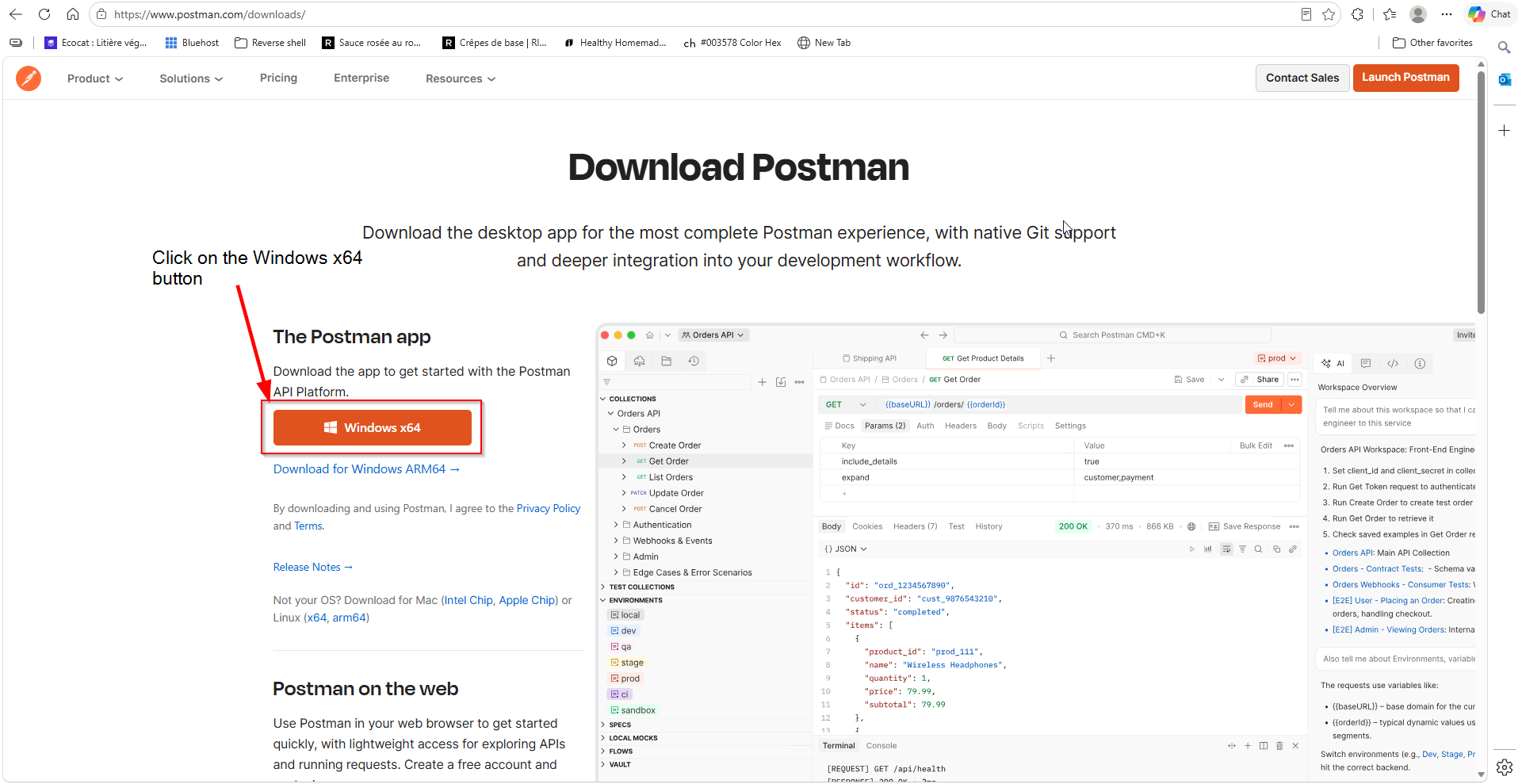
1. Download Postman
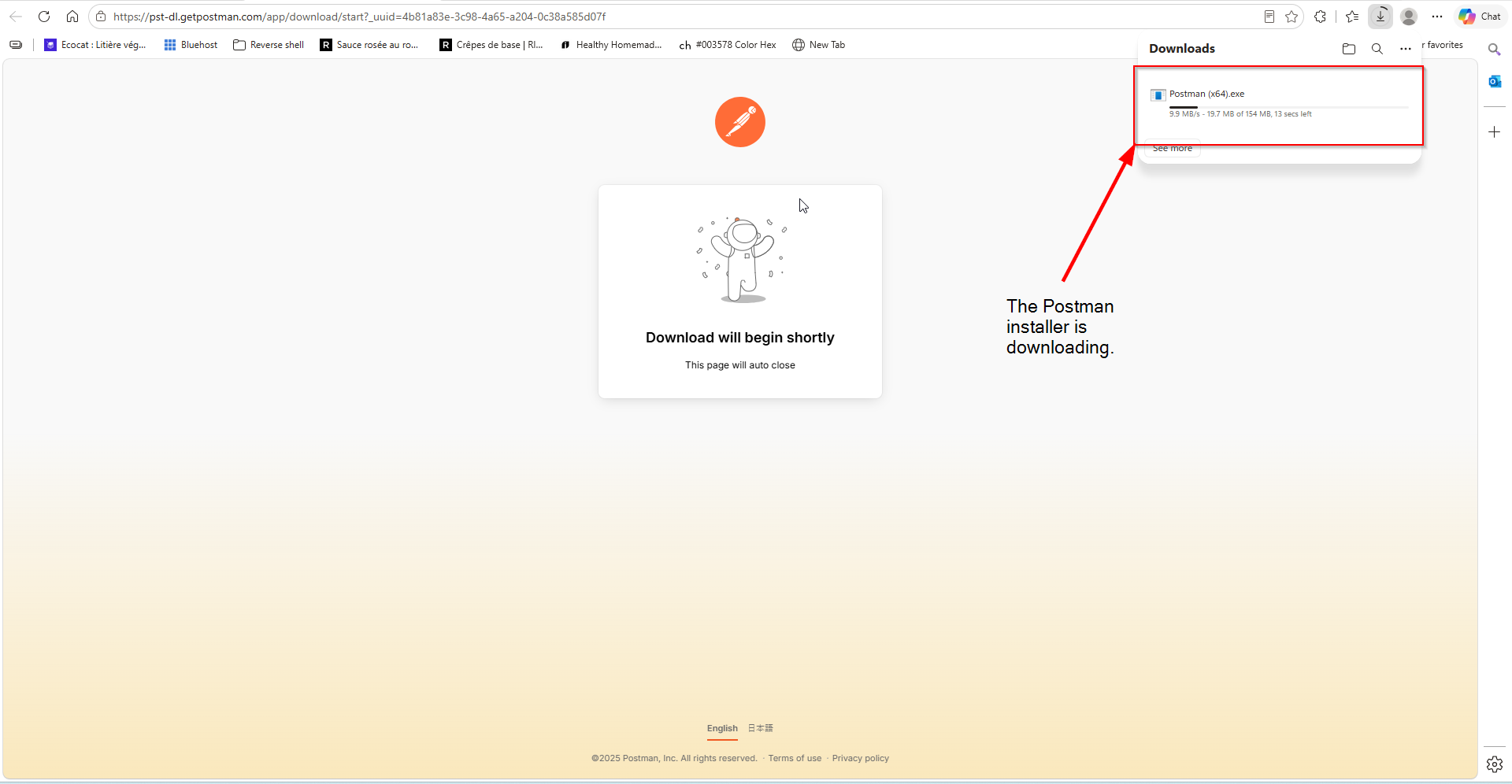
Download the Postman installer from the official website. Choose the Windows version. The download should start automatically.
2. Open the installer
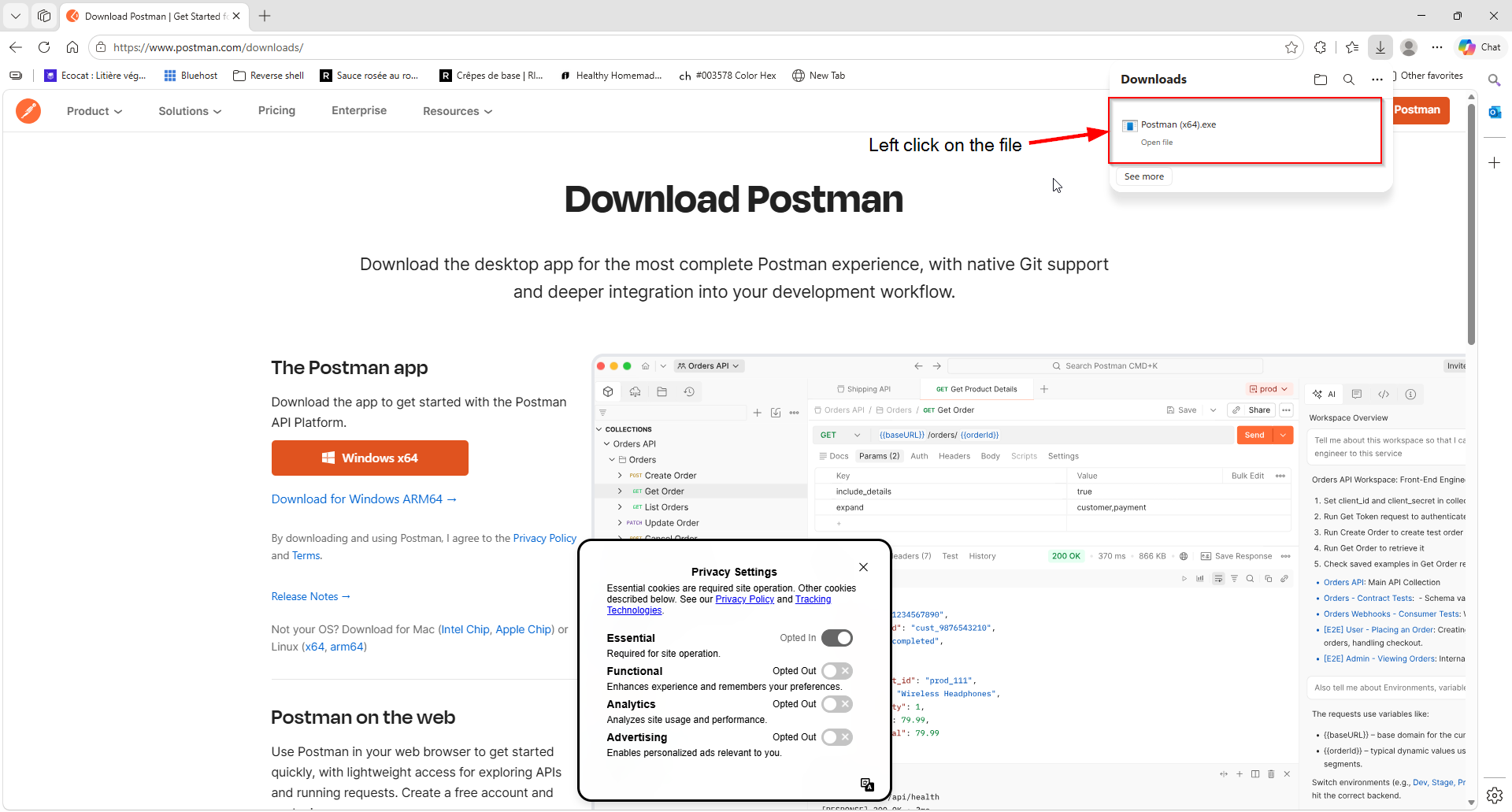
Open your browser’s Downloads section and left‑click the Postman installer to launch it.
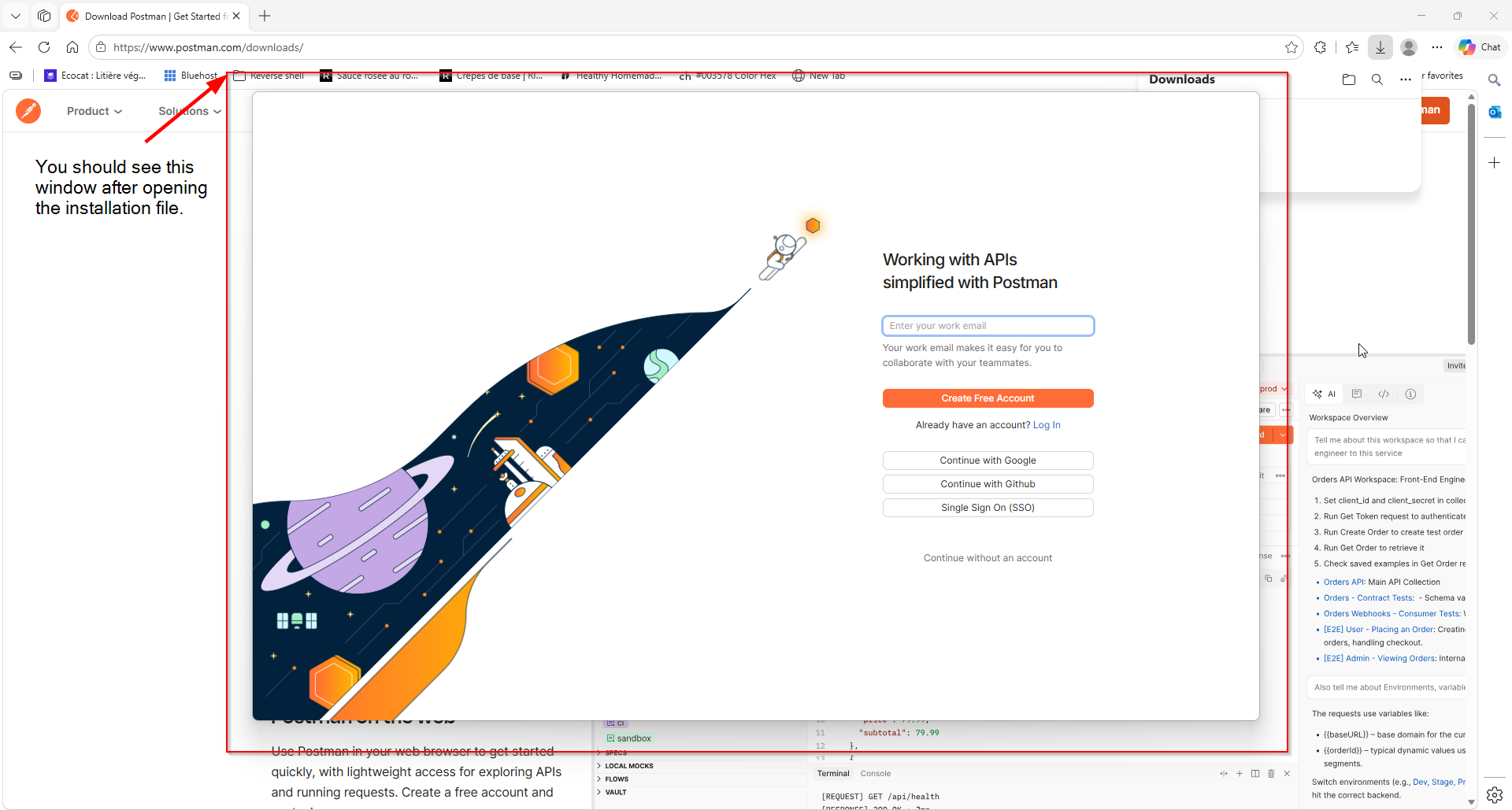
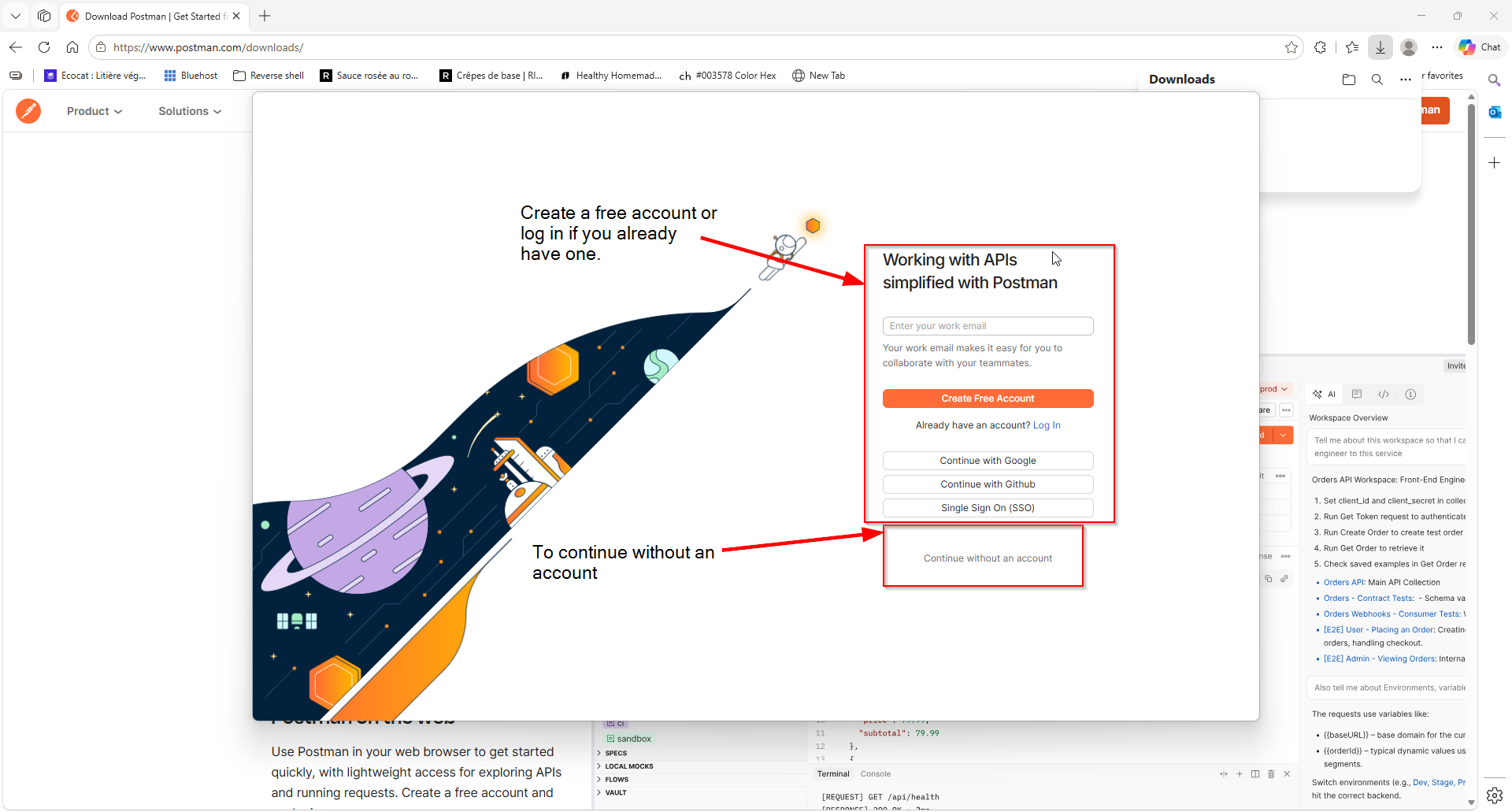
3. Log in, create an account or continue without one
You can create an account, log in, or continue without one.
Here are the benefits of using an account:
| Benefit | Description |
|---|---|
| Save and share with Collections | Save your requests, automate testing, and share your work with others using collections. |
| Secure your secrets locally with Vault | Store and reuse secrets across Postman worry free with end-to-end encryption. |
| Collaborate in Workspaces | Work with others in and outside of your organization with workspaces. |
| AI assistance with Postbot | Postman’s AI assistant to help with scripting, API documentation, and more. |
Expected Result
After logging in, you should see:
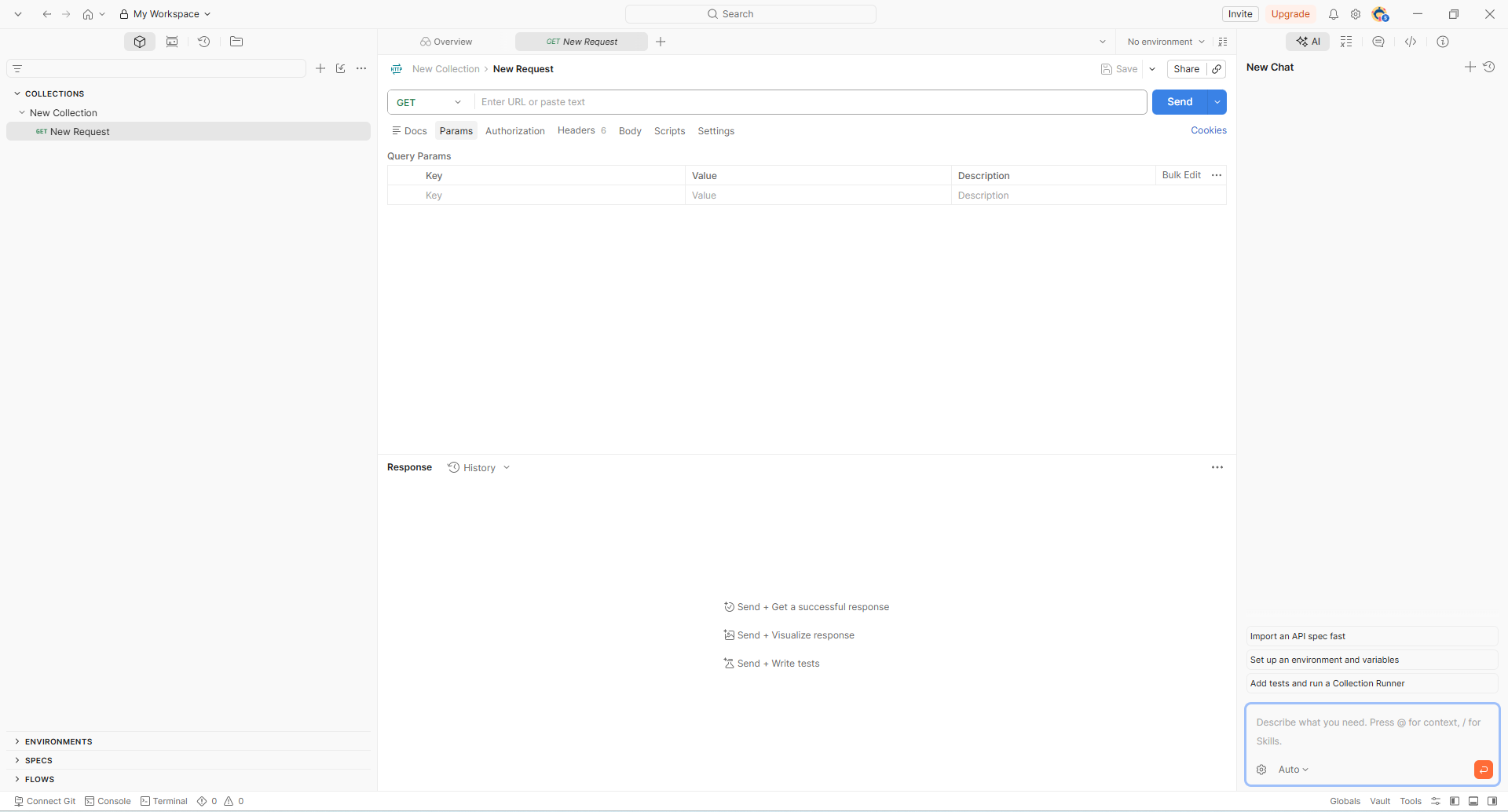
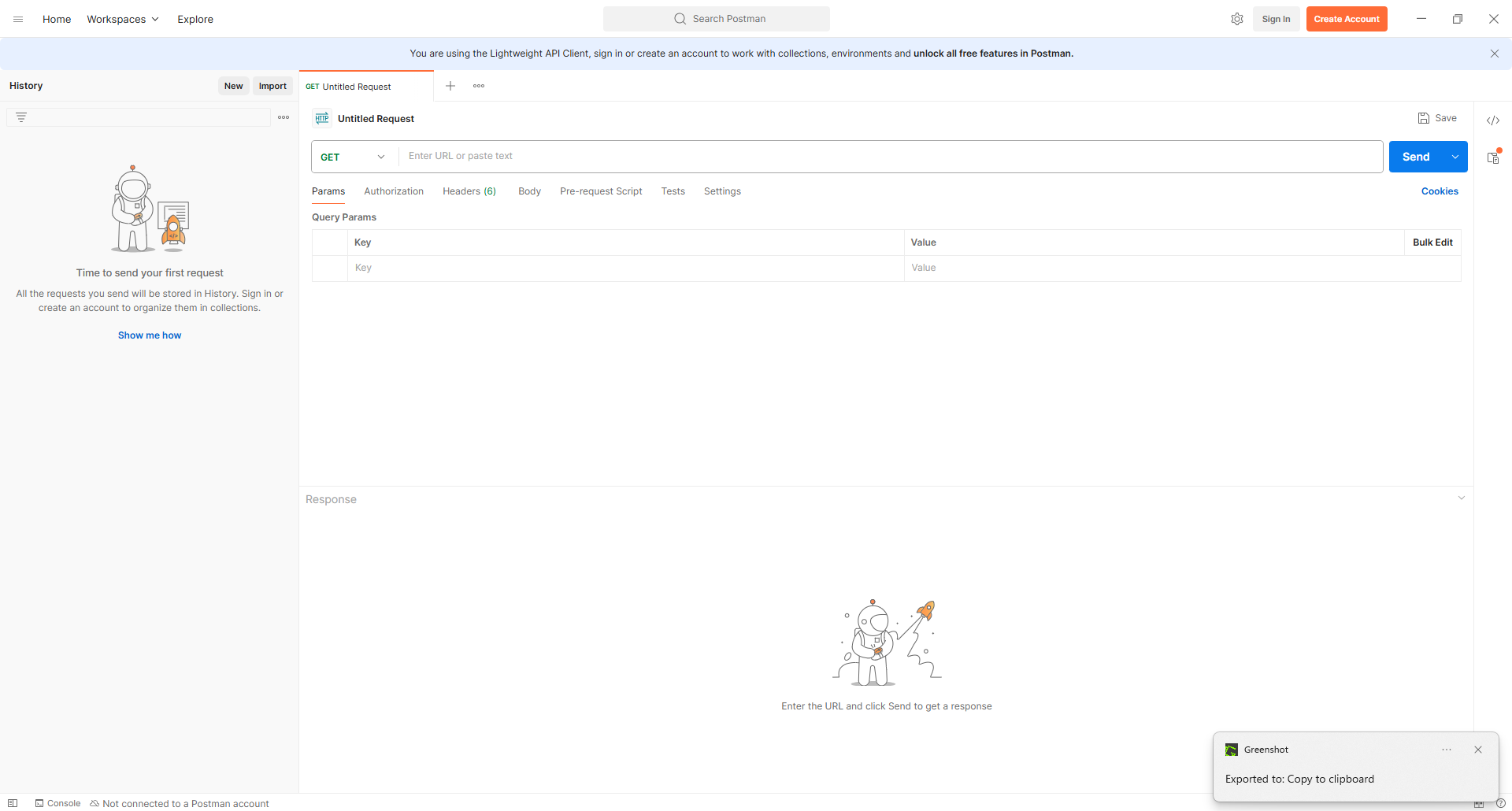
If you continue without an account, you should see: